Updated Jul 16, 2026: this post originally recommended cron and an external monitoring tool. Claude Code now does both natively, so I rewrote it.
A colleague of mine built a /morning slash commandSlash command A shortcut you type inside Claude Code starting with "/" (like /usage or /schedule). It triggers a ready-made instruction so you don't have to type the whole request every time. in Claude CodeClaude Code Anthropic's command-line tool. You build software by talking to AI right in the terminal — it reads your code, edits files, and runs tests. that sweeps the project's task boards, pulls the tasks assigned to him, ranks them by due date, and creates a file with the scope, acceptance criteria, and gotchas for each one. When he opens the terminal in the morning, he already has the full context of everything he needs to do.
The tip I gave him: schedule that to run overnight. Back then that meant setting up a cron job. Not anymore — Claude Code schedules it for you. The /schedule command creates a routine: a saved task that runs on Anthropic's cloud at whatever recurrence you pick — daily at midnight included — even with your laptop closed.
The logic is simple. Every Claude Code plan has a tokenTokens The unit AI uses to count the text it processes. Each word is worth 1-2 tokens. Paid plans have a limit that resets automatically. limit that resets every ~5 hours. If you run a heavy task at 8 a.m., you burn a huge chunk of the limit exactly when you need to work. But if you run it at midnight, while you're asleep, the tokens recover by the time you wake up.
The general rule: anything that eats a lot of tokens is best run in the usage gaps — early in the dead of night or a few minutes before the reset.
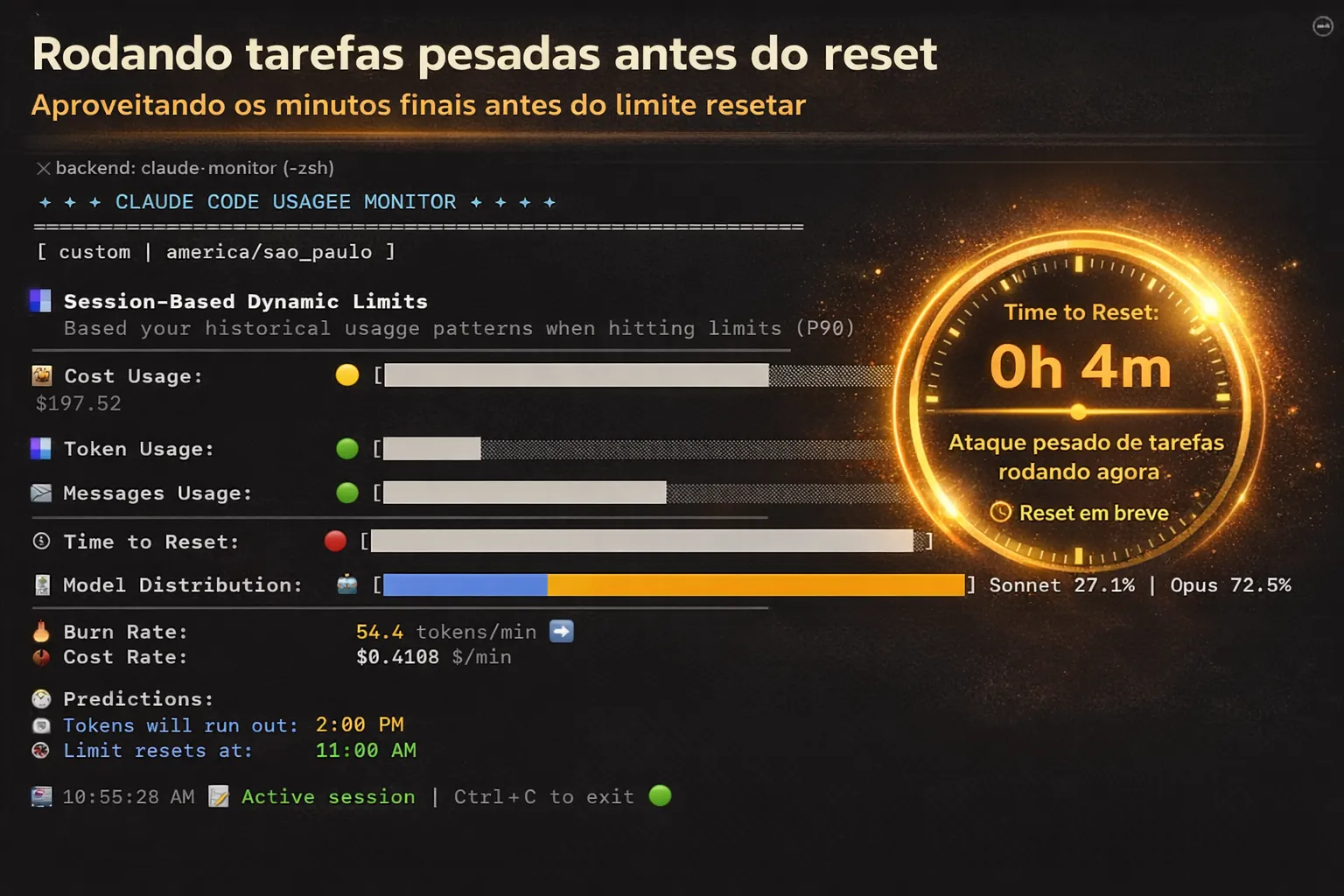
I do this live. When I see there are just a few minutes left before my limit resets, I launch a team of agentsAgent An AI that acts on its own — instead of just answering questions, it does tasks by itself: reads code, creates files, runs tests. Think of it as a very fast digital intern. to attack several tasks in parallel. Code review, quality audits, refactors — everything I know will cost a lot. When the reset hits, my limit comes back full and the heavy lifting is already done.
And to keep an eye on the limit, you don't need to install anything either. Type /usage inside Claude Code and you see how much of your session and weekly limit you've burned and when the reset happens — right in the terminal. This post used to point to an open-source monitor on GitHub; the built-in command made it obsolete.
Small optimization, big difference. Instead of wasting tokens while you sleep, you wake up with the work already done — /schedule to run it, /usage to watch it.