Every time I need to send someone a report, a proposal, or an internal guide without putting it out on the open web, I hit the same wall: the easiest way to publish an HTML file is to drop it on GitHub PagesGitHub Pages GitHub's free service that publishes a website straight from a code repository. It only serves ready-made files — nothing runs behind the scenes. or Cloudflare PagesCloudflare Pages Cloudflare's free static hosting, wired straight to your repository. Every time you push code, it publishes on its own. — free, two minutes of work. But those services are static hostingstatic hosting A server that only hands out ready-made files (HTML, images) without running anything. Cheap and fast, but it can't check a password or query a database.. They hand you the file and that's it. No login screen, no "enter your password," nothing running behind the scenes to check who you are.
The obvious answer would be to stand up a backendbackend The part of a system that runs on a server, away from the user — where databases, logins, and business rules live. The opposite of what happens on screen. just for this. A tiny server that takes a password, verifies it, and unlocks the page. Total overkill. A server to protect a single HTML page is the kind of thing you maintain for the rest of your life and forget exists until it breaks.
There's a much lazier way — and a more secure one. Flip the problem inside out.
The idea: encrypt before you upload
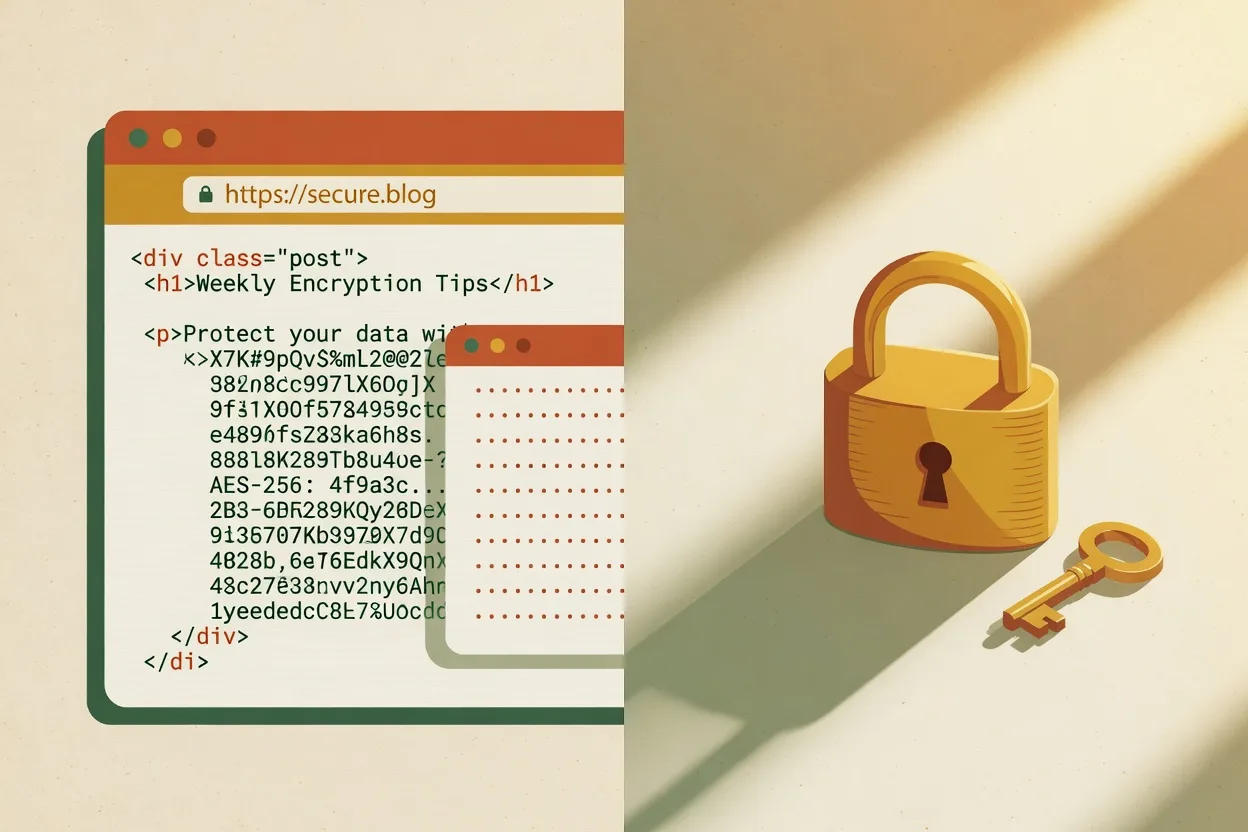
Instead of protecting the page on the server, you encrypt the HTML on your own machine, before publishing. What goes online is only the ciphertextciphertext Text after it's been encrypted — a soup of meaningless characters. Without the password it's useless: you can't read it or reverse it. — a pile of scrambled, unreadable characters. When someone opens the URL, a small screen asks for a password. The password unscrambles the content entirely inside the browser, using the Web Crypto APIWeb Crypto API A set of cryptography tools built into every modern browser. It lets you scramble and unscramble data without installing anything. (which ships in every browser). The password never leaves the visitor's machine. No server is involved.
The elegant part: the file you generate is the same for Cloudflare and for GitHub. Only the publishing step changes. A single, self-contained index.html — the password screen, the encrypted data, and the decryption code, all inside it.
The security model (read this before you trust it)
I won't sell you this as an unbreakable vault, because it isn't. It's worth understanding exactly what you're buying:
- The HTML is encrypted with AES-256-GCMAES-256-GCM One of the strongest encryption standards in use, trusted by banks and governments. It scrambles data so only the right password can unscramble it., the same standard a bank uses. The key is derived from the password via PBKDF2PBKDF2 A technique that turns your password into an encryption key by repeating a calculation hundreds of thousands of times — on purpose, to slow down anyone trying to guess. with 600,000 iterations — the number OWASPOWASP A global organization that publishes web-security best practices. When they recommend a number, the whole industry follows. recommends. There's no key hidden in the code: the only way in is the password.
- The password never travels. Type it, unscramble it right there, in the browser.
- The protection is entirely the strength of the password. Here's the honest part: whoever downloads the page has the ciphertext and the code in hand. That means they can try to guess the password offline, at whatever pace they like, with nobody to throttle the attempts — a brute-forcebrute-force Guessing a password by trying every possible combination, one by one, until it hits. The stronger the password, the longer it takes — years, centuries. attack with no limit. If the password is
123456or the dog's name, it's over. So: use a strong, random password. A passphrase of five random words already takes centuries to crack. - And the commandment you cannot break: never upload the original HTML, in plaintext, to the repository. Only the encrypted file goes up. If the repositoryrepository Your project folder tracked by Git — it holds the code and its full history of changes. It's what you push to GitHub. is public, the ciphertext is public — and that's fine, it's garbage without the password. But the plaintext original would be the whole leak.
Once that's clear, it's smooth. I use it for internal reports, client previews, documents that can't sit on Google but also don't justify infrastructure.
How it works in practice
The only prerequisite is having NodeNode A program that runs JavaScript straight on your computer, outside the browser. Used here only to encrypt the file before upload. installed — and it uses only the native APIs, no packages to install. A short script (encrypt.mjs) does the work:
node encrypt.mjs content.html "your-strong-password-here" index.html \
  --brand "Cajueiro.tech" \
  --title "Restricted access" \
  --subtitle "Enter the password to open."
It reads content.html, draws a fresh saltsalt A random value mixed into the password before it becomes a key, so identical passwords never produce the same result. Blocks precomputed cracking tables. and initialization vector, derives the key from the password, encrypts everything, and spits out a ready index.html: a styled password screen + the encrypted data + the JavaScript that decrypts. The brand and title flags are purely cosmetic.
The browser side is just as direct. When the correct password is typed, the code derives the same key, decrypts the content, and replaces the entire page with the original HTML — including re-running the scripts that were inside it. Wrong password? It shows "incorrect password" and clears the field. No attempt goes anywhere.
Before uploading, do a sanity check in the terminal to make sure you didn't slip:
open index.html   # the right password opens, the wrong one errors out
grep -c "some-snippet-of-the-original-content" index.html   # must return 0
If that grep returns zero, the content isn't sitting there in plaintext. It's the check that saves you from the embarrassment of publishing everything wide open by accident.
Publishing on Cloudflare Pages
If your project is already wired to Cloudflare Pages (like this blog), it's the shortest path: drop the encrypted index.html in the folder, deployDeploy Publishing your software so other people can use it. It's "going live" — taking it off your computer and onto the internet., done. Every push publishes on its own. Since only the ciphertext lives in the repository, there's no risk of leaking anything.
Publishing on GitHub Pages
Same file, different destination:
git init
git add index.html          # ONLY the encrypted one. Never the original.
git commit -m "publish password-protected page"
git branch -M main
git remote add origin git@github.com:<org>/<repo>.git
git push -u origin main
Then, on GitHub: Settings → Pages → Build and deployment → Source → Deploy from a branch, point it at main at the root, save. In ~1 minute the page is live at https://<org>.github.io/<repo>/.
One detail about the free tier: GitHub Pages only publishes from a public repository. And that's safe here precisely because what's in the repository is just the ciphertext — useless without the password. If you want a private repository anyway, you'll need a paid plan. But for this case, public gets it done without giving up anything.
I open-sourced the whole thing
Doing this by hand is fine, but I do it often enough that I packaged the whole thing and put it on GitHub: github.com/MarceloCajueiro/html-password-gate. Two small Node scripts, zero dependencies, MIT license.
git clone https://github.com/MarceloCajueiro/html-password-gate.git
node gen-password.mjs                          # strong passphrase
node encrypt.mjs content.html "<password>" index.htmlgen-password.mjs— draws a six-word random passphrase (~68 bits of entropy) from a secure random source. Strong by default, so I'm never tempted to reach for something guessable.encrypt.mjs— the ~90-line script: AES-256-GCM, PBKDF2 at 600k iterations, a self-containedindex.htmlout the other end.
It's also a Claude Code skill
The same repo doubles as a Claude CodeClaude Code Anthropic's command-line tool. You build software by talking to an AI right in the terminal — it reads your code, edits files, and runs tests. plugin marketplace. Install it once and I just say "publish this page with a password" — it generates the passphrase, encrypts the HTML, verifies the plaintext isn't leaking, and deploys. Start to finish, no hand-holding:
/plugin marketplace add MarceloCajueiro/html-password-gate
/plugin install html-password-gate@cajueiro-plugins
If you'd rather build your own, the shape is simple enough to copy: keep the encryption in a plain Node script (native node:crypto, no dependencies), and let the skill file be a checklist the agent follows. The security-sensitive parts — 600k PBKDF2 iterations, a fresh salt and IV per encryption, and the grep guard against uploading plaintext — are the pieces worth getting exactly right. Everything else is glue.
Why I like this approach
Because it disappears. No server to maintain, no monthly cost, no dependency that goes stale and turns into a security hole two years from now. It's a static file on static hosting — the most durable thing on the web — with a strong layer of encryption on top.
The trade-off is all in the password, and it's a trade-off you control: generate a random one, store it in a password manager, send it to the recipient over a separate channel. Do that, and the page can sit online for years without you touching it.
The best infrastructure is the kind you never have to administer.

Got an idea you want to turn into a product?
Let's talk about how AI can speed up your results.
Let's talk